What does UC Consent do?
UC Consent adds a cookie consent layer designed around KVKK and GDPR: analytics and marketing scripts stay blocked until explicit consent, every consent is written to a log with its details, and visitors can change their preference at any time.
Cookie categories
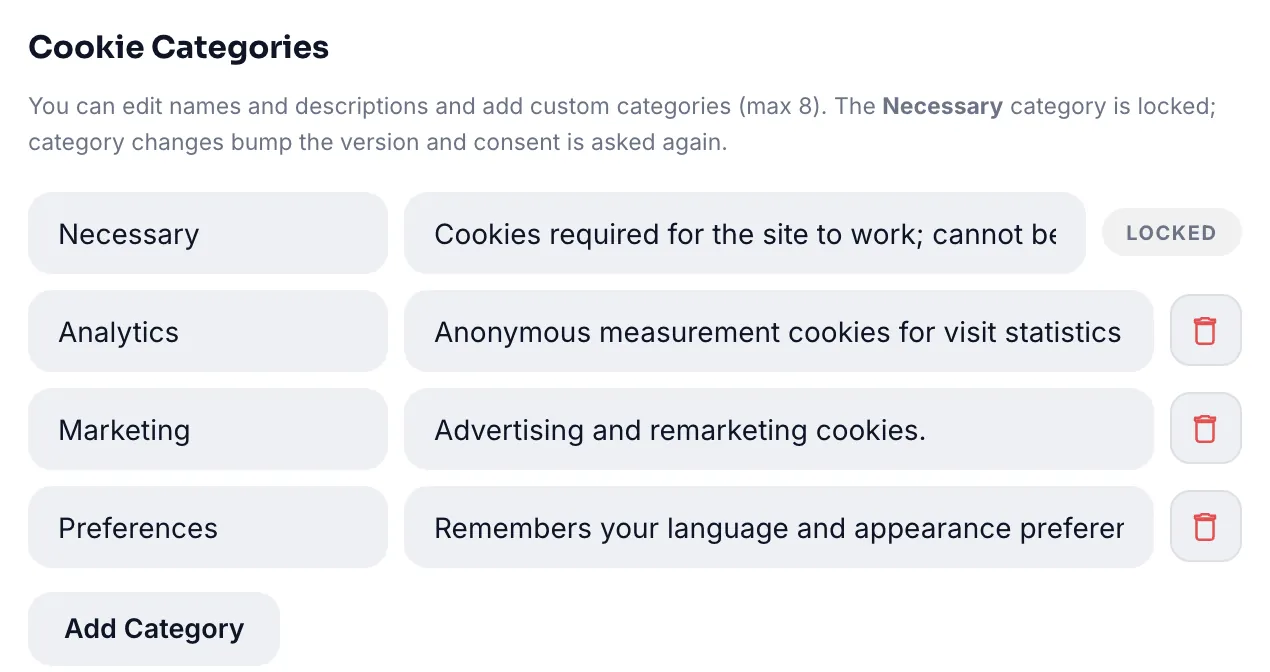
Cookies are managed in three categories: strictly necessary (always on), analytics and marketing. Visitors choose per category; "reject all" is always as easy as "accept all". Turkish mode uses KVKK terminology, English mode uses GDPR.
Script integrations
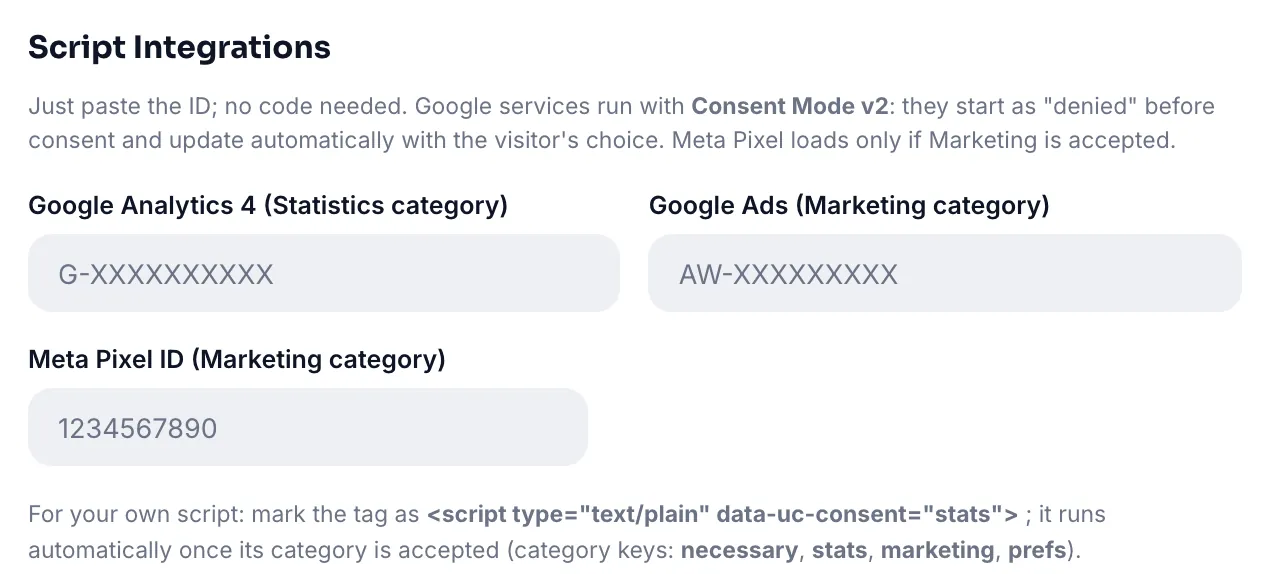
Add Google Analytics 4, Google Ads and Meta Pixel by entering their IDs in the panel; UC Consent loads them only after the matching category is approved. Google Consent Mode v2 signals are sent automatically so Ads conversion measurement continues respectfully.
Consent log
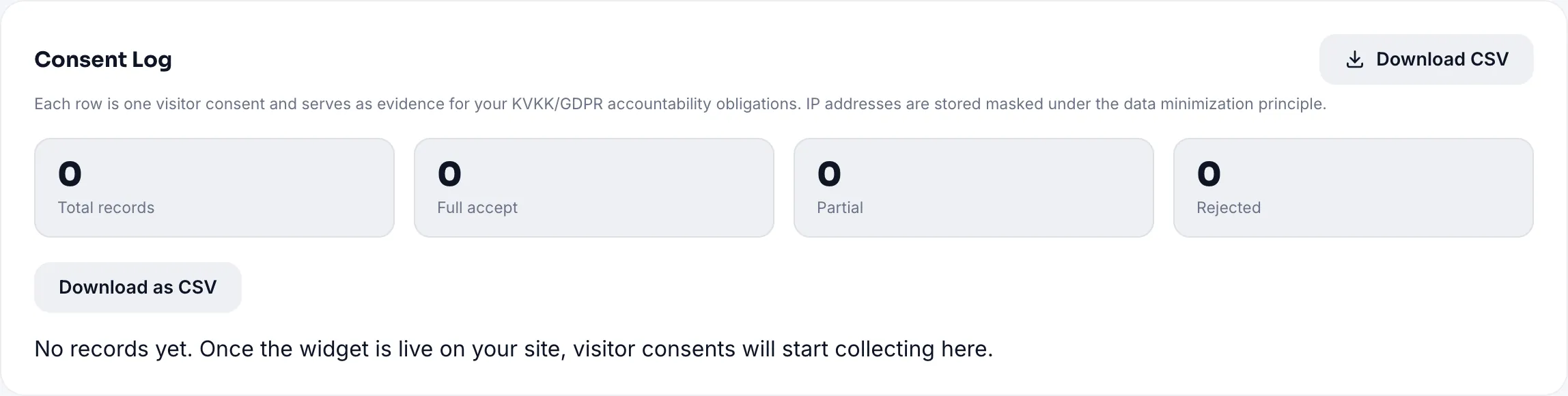
Every consent is stored with a timestamp, preference set and version. Search it in the panel and export as CSV when audited.
Setup
- Create a new widget, choose UC Consent and enter your domain.
- Edit the banner text and colors; link your policy page.
- Register the services you use (GA4, Ads, Meta) with their IDs.
- Add the one-line code, and remove your old GA/Meta snippets from the site; otherwise they keep running regardless of consent.
All Pro features free for 14 days; no credit card, live with a single line of code.
Explore UC Consent